


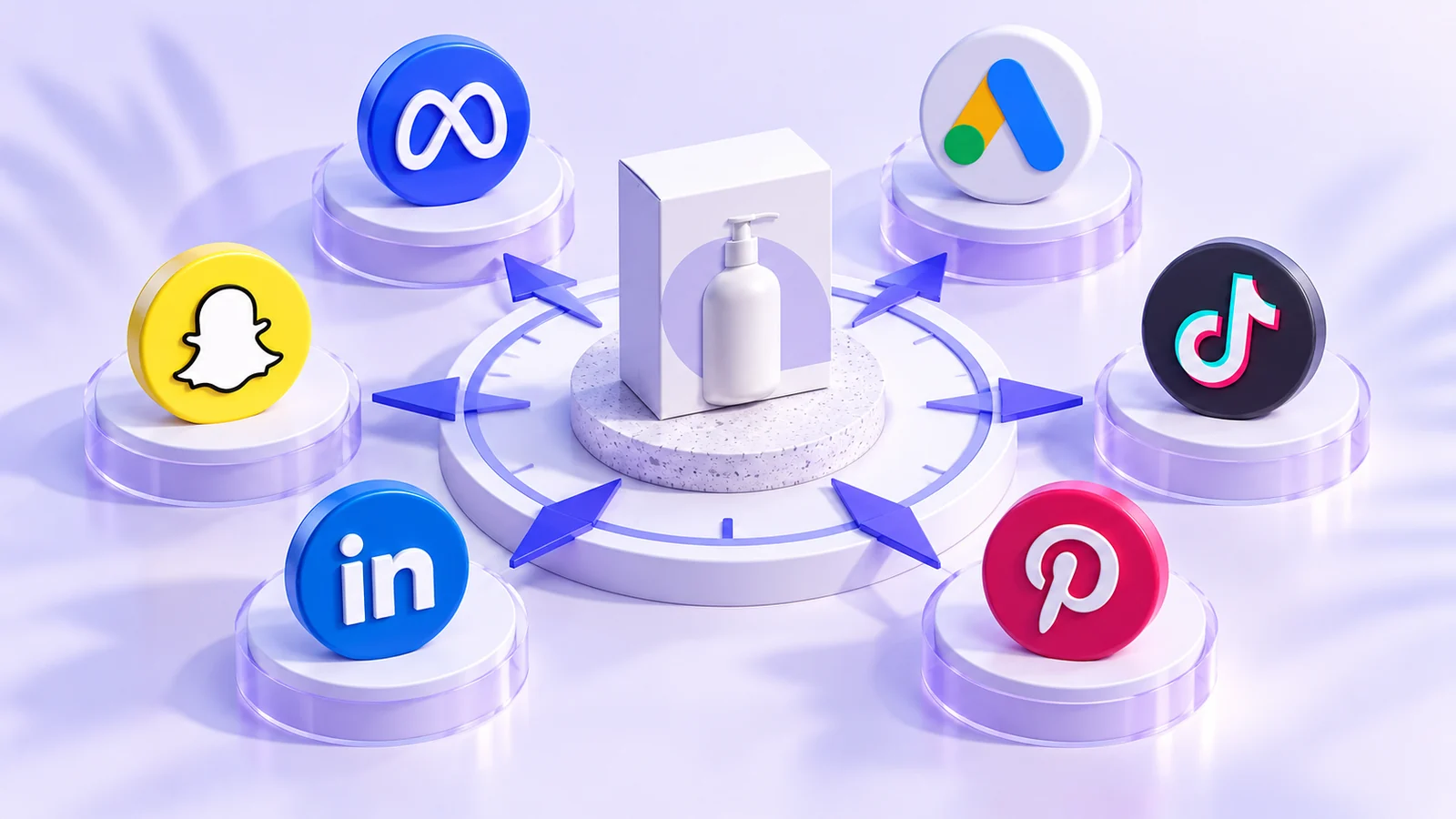
One friend tells you to start with TikTok, another recommends Google, and a third swears by Instagram. Before opening three accounts, write down what you sell and how a customer decides to buy it. Choosing an advertising platform means choosing where and how to deliver your message. It isn’t a search for one platform that works for everyone.
This guide compares six platforms from a beginner’s perspective. Use it to make an initial decision, not as a ranking of the best or cheapest options.
Start with how customers discover your offer
Is someone looking for a familiar solution, such as “phone screen repair”, or do they need to see a product in use to understand its value? The first example gives you a reason to explore search ads. The second suggests preparing a visual demonstration. The same business may need both approaches.
These are ways to think about a channel, not fixed boundaries. Google Ads extends beyond search, and TikTok also offers advertising workflows that include search. Don’t reduce a platform to a single type of customer intent. [1] [2]
What will you use on each platform?
| Platform | Tool to get familiar with | A useful question before choosing it |
|---|---|---|
| Facebook and Instagram | Meta Ads Manager | Can I explain the offer with an image or video and a clear message? |
| Google Ads; we’ll start with Search campaigns | What might someone search for when looking for this solution? | |
| TikTok | TikTok Ads Manager | Can I show the benefit in use rather than just display a logo? |
| Snapchat | Snapchat Ads Manager | Do I have a simple visual message and a clear next step? |
| Campaign Manager | Does the customer’s professional role, company or industry matter? | |
| A business account and Ads Manager | Can I connect a visual idea to a relevant product or content page? |
For introductions from the platforms themselves, see Meta’s beginner course, Snapchat’s getting-started guide, LinkedIn’s first-campaign guide and the Pinterest Ads Manager overview. [3] [4] [5] [6]
Put the choice to work with two fictional businesses
A desk-lamp shop could make a video demonstrating adjustable lighting, or explore search ads for desk lamps. Choose an initial approach based on what you can produce and measure, and record your reason. Having a visual product doesn’t prove that a particular platform will be profitable.
A fictional company selling business invoicing software might consider LinkedIn if it needs to reach specific professional roles. But the aim isn’t to collect names at the lowest cost. It’s to reach organisations that fit the product and that the team can follow up with. Search may also be worth exploring when people actively look for that type of software.
Five questions to shape your first test
- Offer: can a newcomer understand the benefit in one sentence?
- Creative: do you have suitable images, video or copy, and the rights to use them?
- Destination: does a page or contact route match what the ad promises?
- Follow-up: who will respond to enquiries and confirm orders?
- Measurement and availability: can you track the result, and is advertising available for your business, market and account?
Check account-country eligibility, business eligibility and payment options before building an entire plan around a platform. Pinterest’s guide, for example, flags regional differences in ad availability. Don’t enter false country information to get around a restriction. [7]
Your exercise: choose a test, not a lifetime commitment
Write down two possible platforms. For each, note why it might suit the offer, which assets are missing, and how you’ll decide whether the test deserves further work. Start with the option you can prepare properly, rather than the one you’ve heard is “cheapest”.
You don’t need to run six campaigns to learn advertising. Start with one draft, understand the path from message to result, and then explore another platform. Your choice is a working hypothesis to test, not a verdict about your audience.
Official sources
- Google Ads: campaigns and campaign types
- TikTok: campaign setup
- Meta Blueprint: Ads Manager basics
- Snapchat: getting started with ads
- LinkedIn: create your first campaign
- Pinterest: using Ads Manager
- Pinterest: campaign setup and ad availability
Documentation reviewed: 16 October 2026. Interfaces and availability vary by account, market and updates. Examples and exercises are hypothetical, not campaign results.