

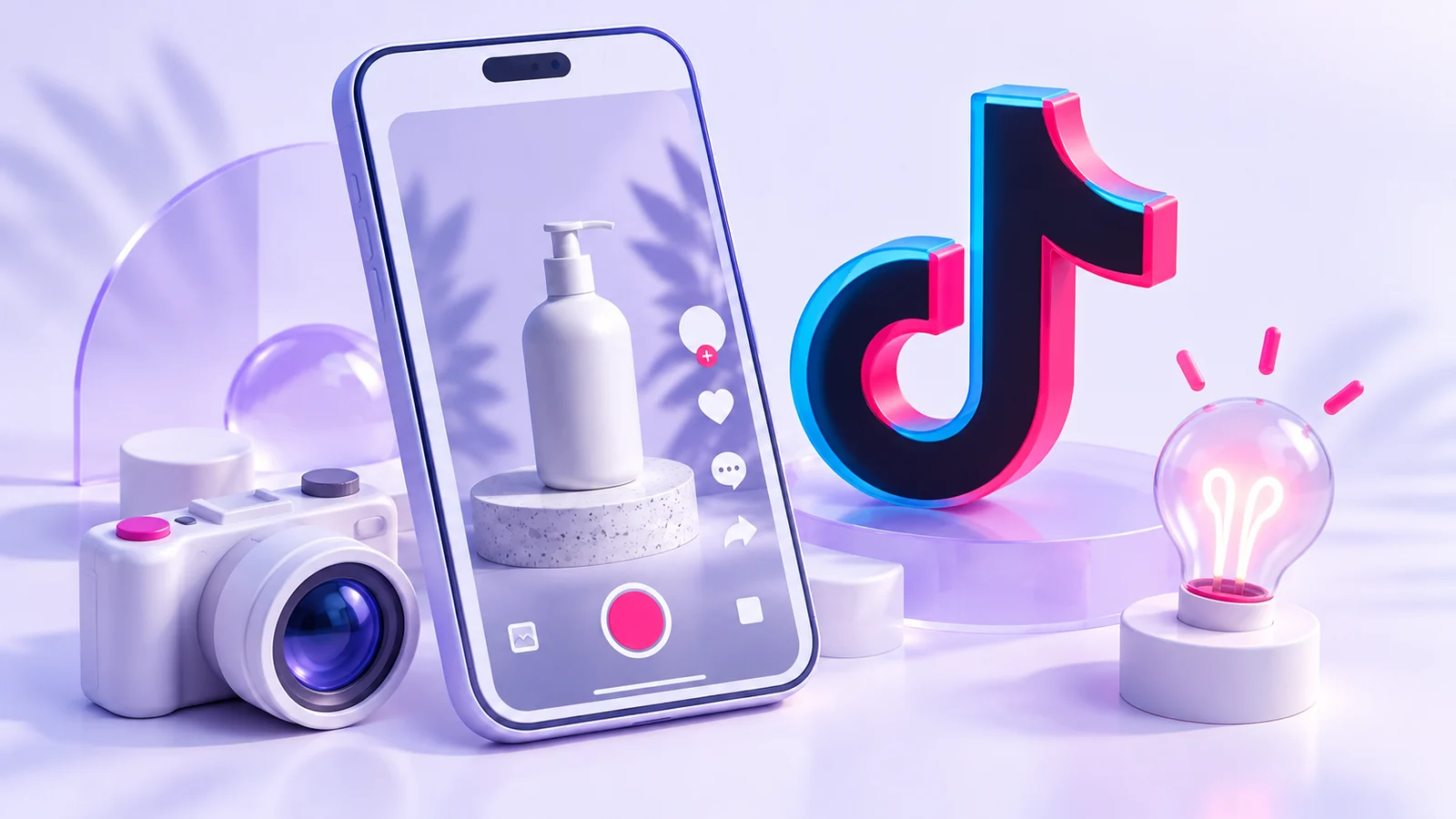
You’ve opened TikTok Ads Manager, but you’re not sure what to film. Before choosing an effect or a soundtrack, ask what the viewer needs to understand to care about the product. We’ll turn that question into a video outline and initial settings, using a fictional desk-lamp shop.
Ads Manager organises the campaign; it isn’t the content that makes your offer understandable. TikTok’s guide explains campaigns, ad groups and ads, along with Manual, Search and Smart+ creation workflows. [1]
Write an idea you can actually film
Instead of starting with a long shot of the shop’s logo, sketch a situation: someone adjusts the lamp to illuminate the area they’re working in. Then show the adjustment and the result honestly. This is a creative suggestion to explore, not a claim that a particular opening will produce sales.
Write one sentence about the benefit and decide what the camera will show to support it. Avoid invented customer testimonials or outcomes the product can’t deliver. Use images, music and people’s likenesses only when you have the rights to use them in ads. Being available online doesn’t automatically make something available for commercial use.
| Video part | What we want to show in the example | What should we avoid? |
|---|---|---|
| Opening | A desk-lighting situation | An introduction that leaves the subject unclear |
| Demonstration | Adjusting the lamp during use | Broad descriptions without showing the benefit |
| Details | Product size or how it works | Hiding a limitation that matters to the buyer |
| Ending | An invitation to view the lamp’s page | An action that doesn’t match the destination |
This is a teaching storyboard, not a technical video specification. Before making the final asset, check the requirements for the format and placement available in your account and preview the ad.
How should you organise the draft in Ads Manager?
Choose the objective, review the ad group’s settings, then create the ad with its creative, identity and destination. What you see depends on the creation workflow. Don’t expect Manual and Smart+ to present identical screens. Read the budget, schedule and delivery settings before submitting anything. [1]
Distinguish a saved draft from an ad submitted for review and a campaign eligible to run. Check status, payment and timing settings in the account. Don’t use a live campaign to discover what the buttons do for the first time.
Where does the viewer go after the video?
If the video promises to explain a particular lamp, send people to its page or another clear destination about it. Open it on your phone and check loading, copy and the action button. The video and page are one journey; don’t leave visitors to hunt for the offer.
If you use website events for measurement, define the action you need and check its setup before interpreting reports. Views and clicks aren’t purchases. Nor can you judge campaign profitability by the number of followers it added.
A small exercise before your final shoot
Write two openings for one benefit: one starts with the situation, the other shows the product at work. Choose one and film a simple review version without uploading it as an active campaign. Show it to someone who hasn’t read your plan. Ask what they understood and what they expect to do after watching.
Record the answer as given, then address any ambiguity. This exercise tests message clarity, not advertising performance. Once the idea makes sense and the destination is ready, you can review the draft and prepare measurement for a real test at a later stage.
Official sources
Documentation reviewed: 16 October 2026. Interfaces and availability vary by account, market and updates. Examples and exercises are hypothetical, not campaign results.