


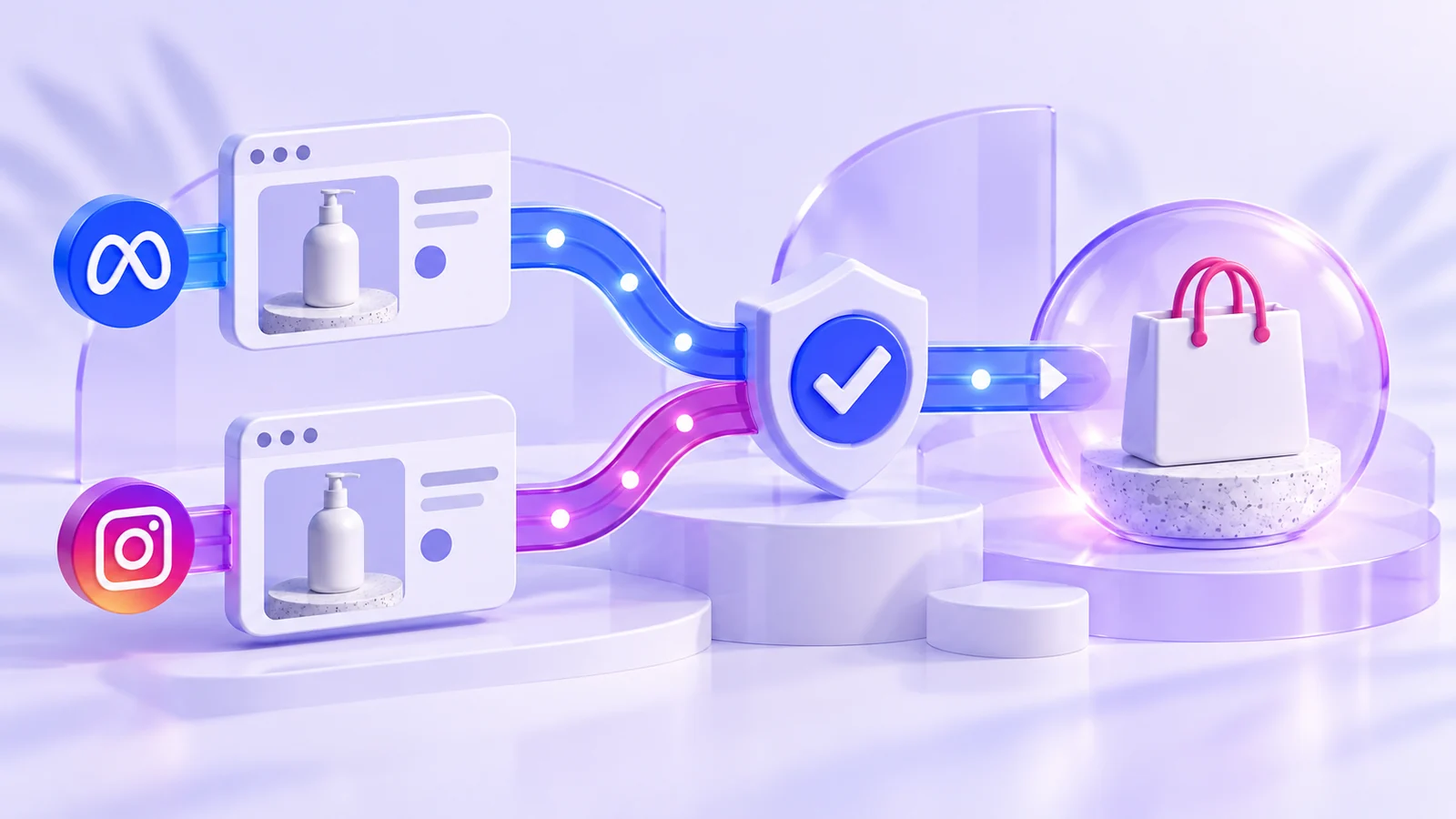
Your store recorded one order, but Meta’s data seems to tell a different story. Was it counted twice? Does the value include shipping? Or are you comparing actual orders with sales attributed to ads? Each question requires a different check.
Start with the purchase and follow its data. Pixel sends browser events; a Conversions API, or CAPI, integration may also send server events. Two routes require checking how overlapping copies are handled, not treating every incoming message as a new purchase. Meta’s resources cover matching, quality, deduplication and data freshness. [1]
1. Agree when an order counts as a purchase
Work with the store owner and tracking specialist. Is the purchase event sent at order confirmation or after payment? Does its value include products only, or shipping and tax too? Write the definition before checking the numbers.
Advertising and store teams may use the same label for different stages. Changing the definition between reporting periods makes comparisons confusing even when delivery works as configured.
2. Test specific cases instead of reinstalling everything
Prepare test orders in a suitable environment without real payment or personal data. Record time, value, currency and expected outcome, then inspect receipt using the tools appropriate to your setup.
Check a completed order, an incomplete attempt and reopening the confirmation page. If both Pixel and CAPI send the event, check how the integration handles those copies. Take setup details and deduplication keys from its documentation, not an unchecked configuration borrowed from another project.
Worked example: four cases that show where to look
These fictional numbers and IDs illustrate checks, not real store results.
| Test case | Store action | Question to check |
|---|---|---|
| demo-001 | Purchase worth 120 USD | Did the correct value and currency arrive? |
| demo-002 | One purchase sent through browser and server | Is it handled as an overlapping event? |
| demo-003 | Confirmation page reopened | Was a new purchase sent by mistake? |
| demo-004 | Purchase attempt not completed | Was a false completion recorded? |
Add columns for the actual result and required action. Avoid declaring “tracking is fine” after testing only one case.
3. Separate event receipt from ad attribution
The store record, events received by tracking tools and sales attributed to campaigns measure three different things. Before demanding a one-to-one match, compare period, time zone, sales definition and attribution—the method linking a conversion to advertising.
If sales value changes without a similar change in order count, investigate value definitions, currency and delivery sources. These are questions to test, not ready-made explanations.
4. Fix the problem before relying more heavily on the number
For an incorrect value or repeated event, record the fix, owner and retest, with the change date so the team can interpret the next reporting period.
Do not switch campaign goals just to hide a reporting issue. Nor should you send more data merely to improve a matching score without reviewing collection and sharing permissions. The aim is a number people understand and can use in decisions, not a more attractive dashboard.
Official sources
Source documentation reviewed: 16 October 2026. Features and eligibility may change; check the linked documentation before implementation.